Government service desks and bank counters
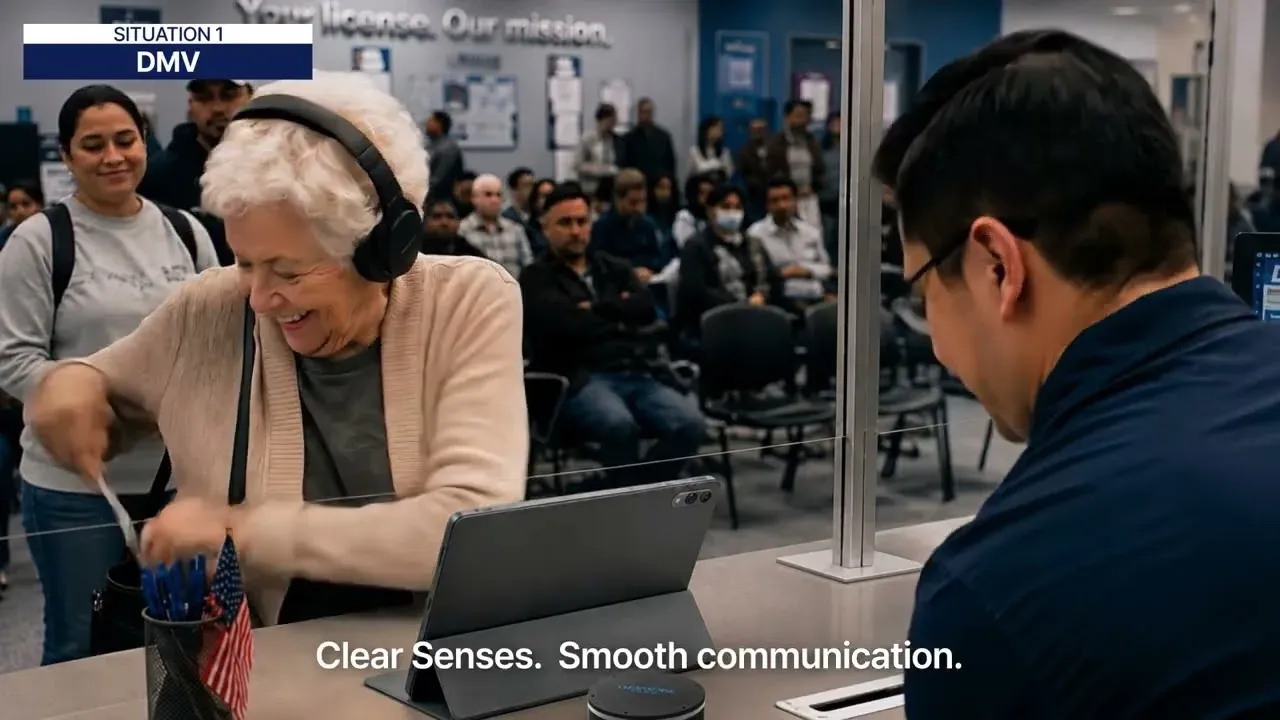
At a counter surrounded by waiting visitors and announcements, staff end up repeating themselves. ClearSense Audio+ delivers the staff member's voice clearly and shows it again as a caption.


ClearSense Audio+ · Real-time captions and interpretation for face-to-face service
It gives older and hard-of-hearing visitors clear speech with captions, and gives foreign visitors translated captions and speech.
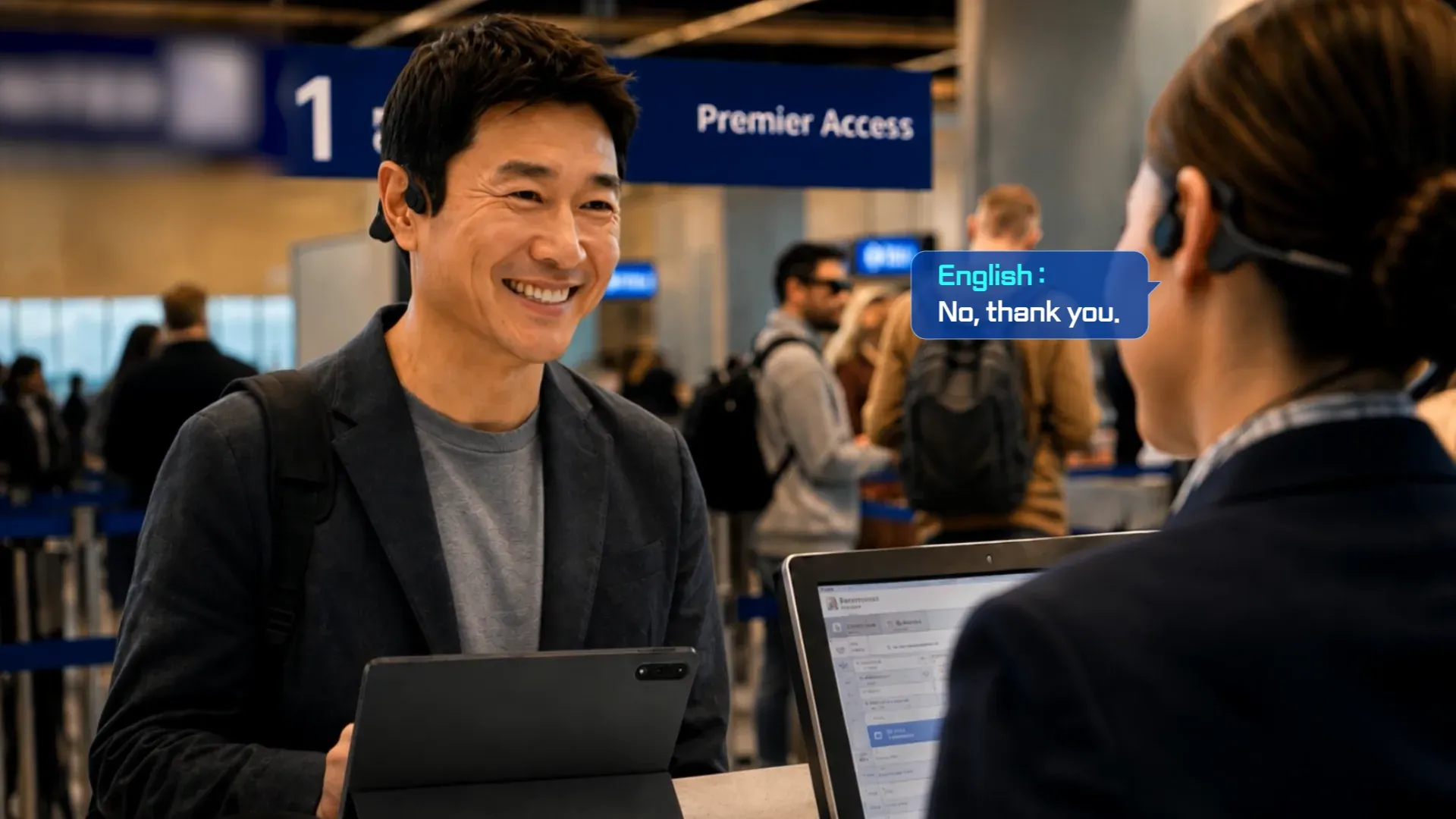
ClearSense Audio+ is a real-time captioning and interpretation solution that helps staff at service desks and counters communicate with hard-of-hearing and foreign visitors. It is made by mpWAV Inc. in Seoul, Korea. In noisy places such as government service desks, hospital reception, bank counters, and airport counters, it delivers the staff member's voice clearly and shows what was said as real-time captions on a tablet. Standard mode serves older and hard-of-hearing visitors, and interpretation mode gives foreign visitors real-time interpretation as translated captions and speech.
It is placed at a service desk instead of a hearing loop or a voice amplifier. Beyond making speech easier to hear, it shows what was said as real-time captions and interprets for foreign visitors. It consists of a tablet and a round six-channel microphone unit. Pricing depends on the number of desks and the configuration, and is quoted after consultation.
Last updated
Where it is used
At a counter surrounded by waiting visitors and announcements, staff end up repeating themselves. ClearSense Audio+ delivers the staff member's voice clearly and shows it again as a caption.
Many patients here are older or hard of hearing. Speech with the noise removed, plus captions, means staff do not have to raise their voice.
These desks serve many foreign visitors and need multilingual service. Interpretation mode carries both sides of the conversation with real-time interpretation, as translated captions and speech.
Two modes
For older and hard-of-hearing visitors
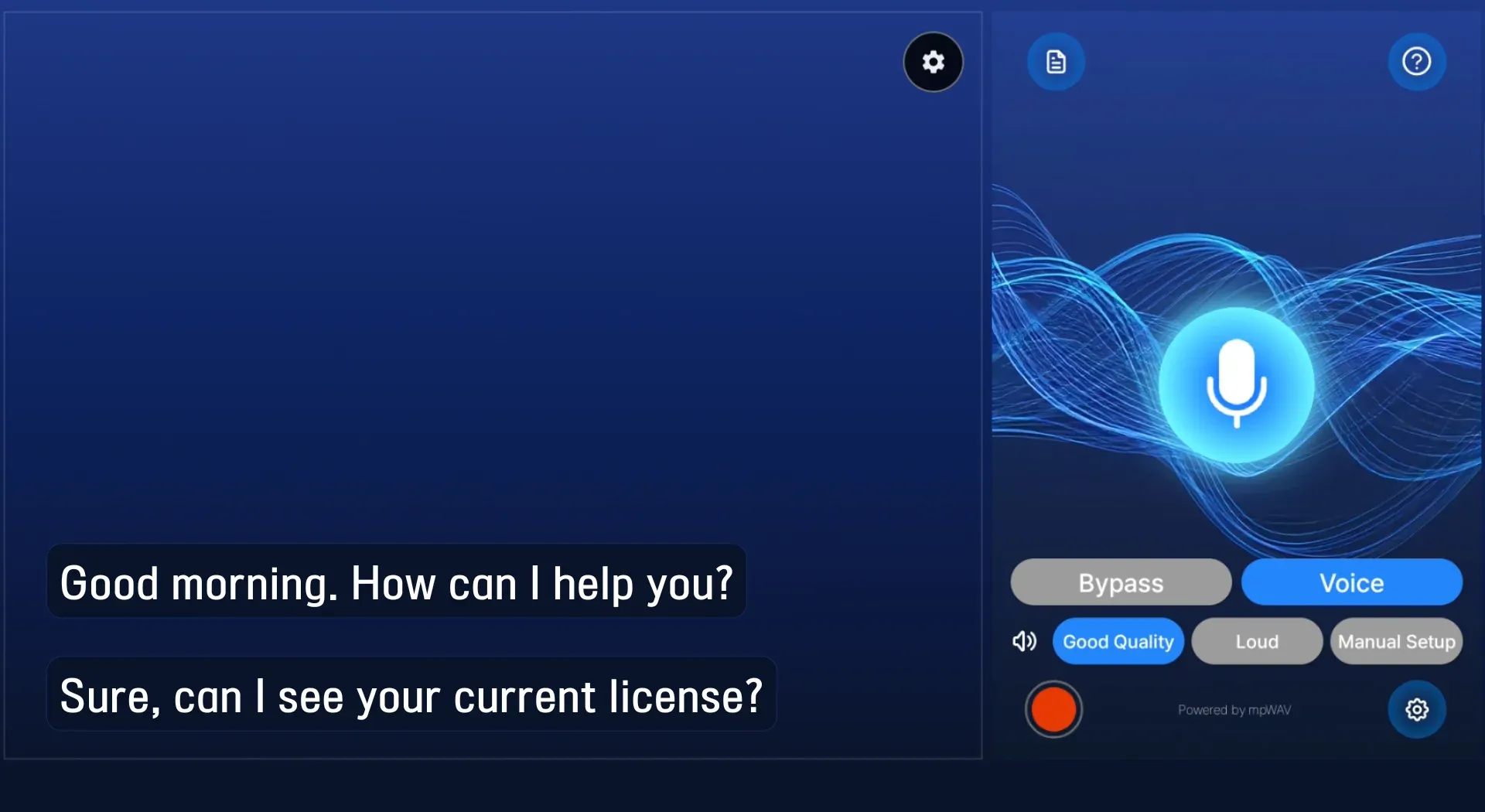
For counters that serve many older or hard-of-hearing visitors.
For foreign visitors
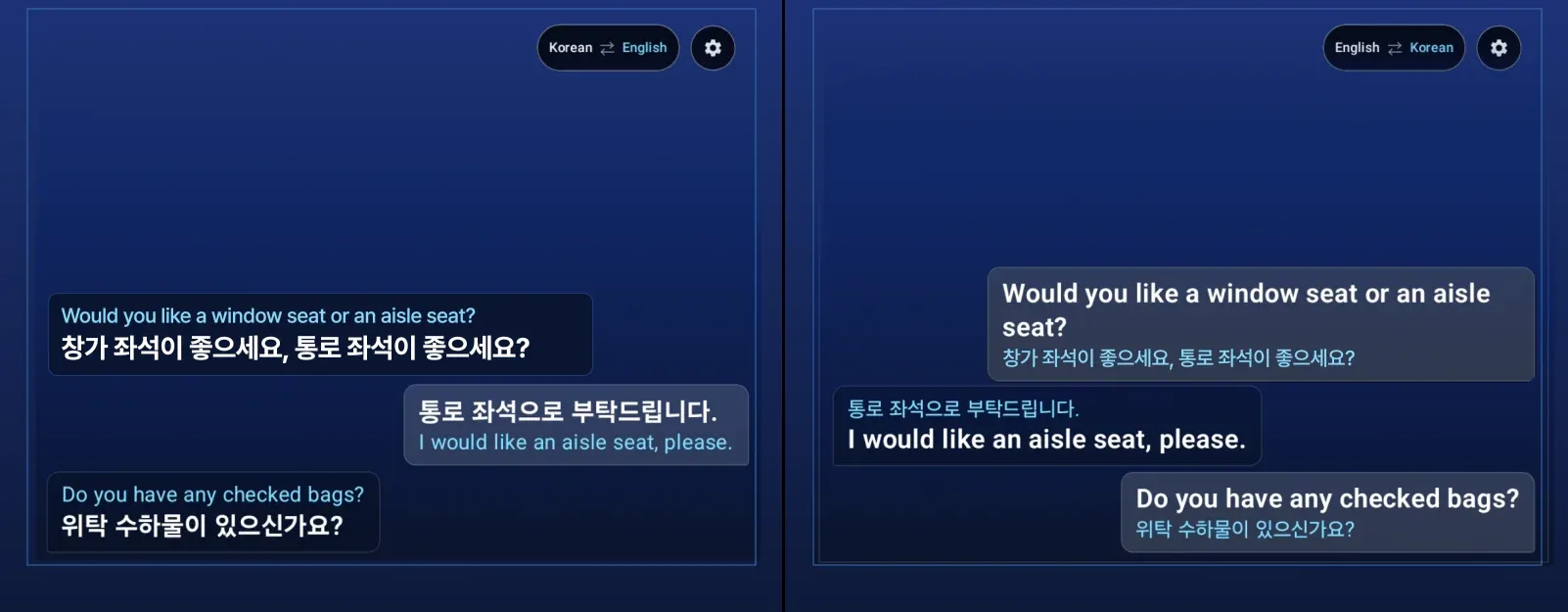
For counters that often serve foreign visitors.
Price and configuration depend on the number of counters and installation conditions. We quote after consultation.
What it is and how it works
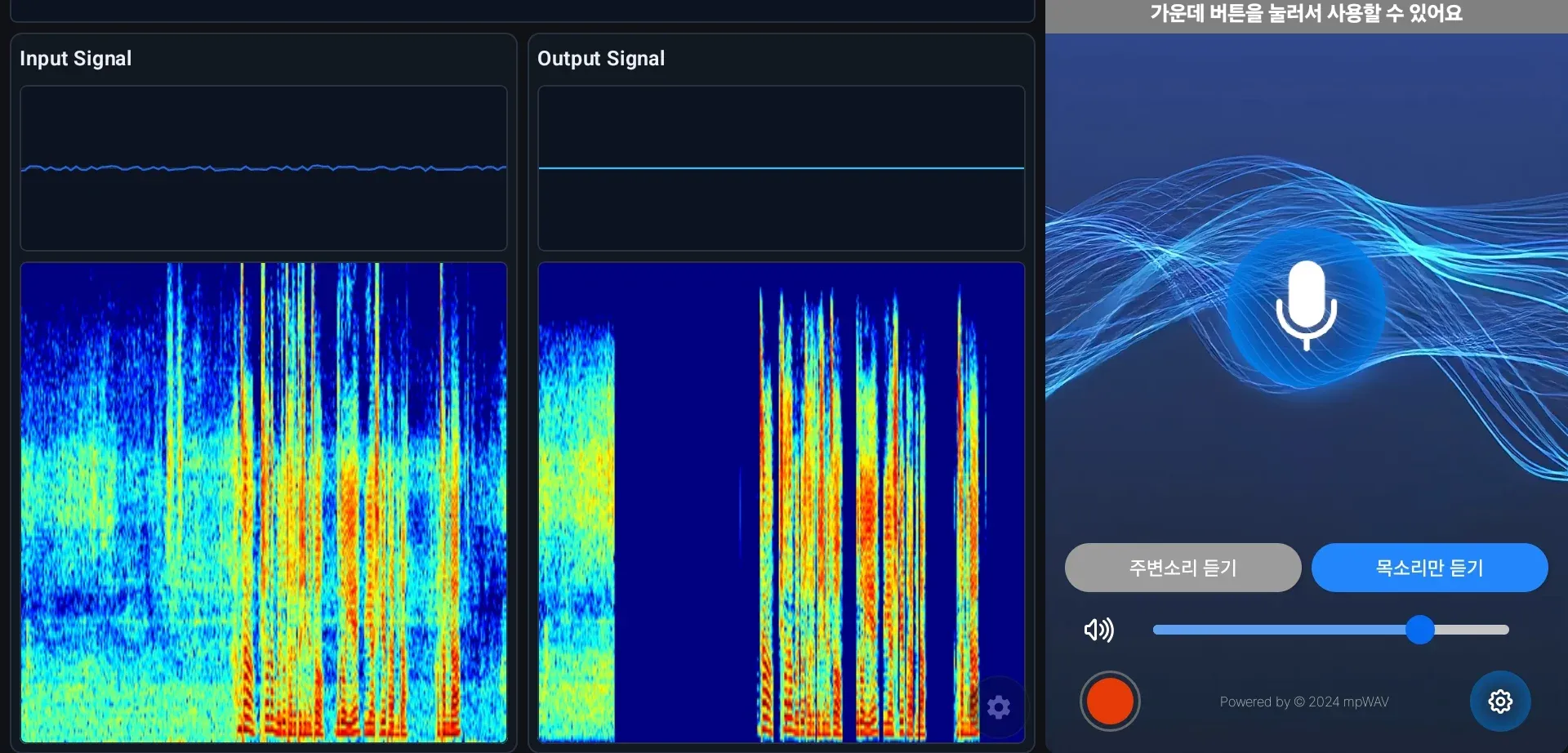
The round unit picks up voices at the counter through six microphone channels.
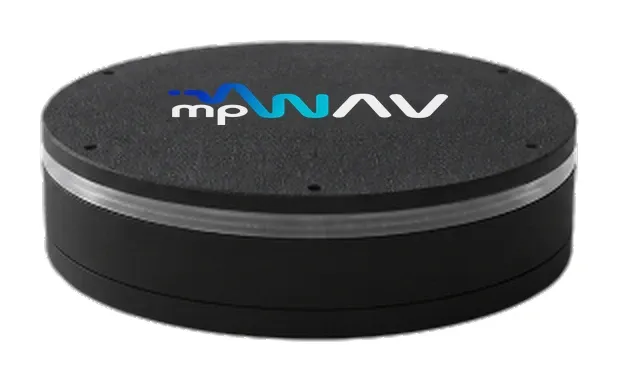
The speaker's voice is picked out from waiting-room noise and announcements.
The visitor listens to the staff member through headphones or a directional speaker.
Speech appears on the tablet as a real-time caption. In interpretation mode, translated captions appear with it.
Video
A promotional video showing ClearSense Audio+ at a public service counter, a hospital, and an airport.
What changes
Normally, speech is buried in background noise. ClearSense Audio+ removes the noise and delivers the voice clearly.
Normally there are no captions. ClearSense Audio+ shows what was said as text straight away, so a missed word can be read.
Normally a separate interpreter is needed. Interpretation mode provides real-time interpretation as translated captions and speech.
Underlying technology
The items below are not test results for ClearSense Audio+ itself. They are the awards and designations of the speech preprocessing technology inside it, and of the hearing-assistance app released earlier on the same technology.
Microphone-array technology that removes noise and echo
The personal app released earlier on the same technology
Frequently asked
It is placed where staff serve visitors face to face in a noisy place, such as government service desks, hospital reception, bank counters, airport counters, and information desks.
Standard mode serves older and hard-of-hearing visitors, and interpretation mode serves foreign visitors.
Use standard mode. It removes background noise from the staff member's voice, plays it to the visitor through headphones or a directional speaker, and shows what was said as large captions.
A missed word can be read again in the captions.
Use interpretation mode. With two-way real-time interpretation, it turns both sides of the conversation into translated captions and speech, and colour-codes the two languages.
We confirm the supported languages during consultation.
ClearSense Audio+ is used instead of a hearing loop or a voice amplifier, and beyond making speech easier to hear it adds real-time captions and interpretation.
A hearing loop sends speech to a hearing aid, a cochlear implant, or a dedicated receiver, and a voice amplifier makes sound louder. ClearSense Audio+ uses microphones to remove background noise from the voice, plays it through headphones or a directional speaker, shows the same words as large captions, and provides translated captions and speech for foreign visitors.
What the staff member says appears straight away on the tablet as captions in large type with high contrast.
In interpretation mode, translated captions appear with them, and the two speakers' languages are colour-coded.
ClearSense Audio is a hearing-assistance app that an individual uses with a smartphone and earphones. ClearSense Audio+ is a solution that an organisation places on its service desk.
ClearSense Audio+ consists of a tablet and a round microphone unit, and adds real-time captions and an interpretation mode to clear speech.
The price depends on the number of desks, the configuration, and installation conditions, so we quote after consultation.
Talk to us
Let us know what kind of place it is, how many desks you have, and who you mainly serve.